Most growers trust their eyes. That’s exactly why they miss early stress.
By the time chlorosis is obvious, tipburn shows up, or growth stalls in your NFT or DWC, you are already losing yield. The problem is not your system. It is the fact that “looks fine” is not a measurement.
With CES 2026 pushing imaging tech - like the experimental work highlighted in Canon Americas Lab’s CES showcase - indoor growers can piggyback on the same idea right now using gear they already own: a smartphone camera and consistent lighting.
This guide shows you how to build a repeatable, calibrated RGB workflow in your hydroponic space so you can:
- Quantify leaf color shifts that signal nutrient issues long before your gut notices
- Measure leaf area over time to track growth rate in NFT, DWC, and Kratky
- Flag tipburn risk in lettuce from margin brightness and color, before edges fry
- Do it all without buying multispectral cameras, PAR sensors, or fancy analytics boxes
1. The Big Question: Can a phone camera really monitor plant health?
Short answer: yes, if you treat it like a sensor instead of a selfie machine.
Modern smartphone cameras are stable enough that, under fixed lighting and with a simple color reference, you can extract useful plant-health signals from basic RGB values. Plant physiology research has leaned on RGB imaging for traits like chlorophyll content, stress response, and growth dynamics for years, as you can see across studies in plant physiology literature. You do not need multispectral to get 80% of the value.
What we are building is not a research-grade phenotyping rig. We are building a farm-grade, repeatable photo workflow that lets you answer three practical questions:
- Is this crop greener or paler than last week? (N/Mg sufficiency, general vigor)
- Is leaf area expanding at the rate I expect? (growth and environment dial-in)
- Are leaf margins getting brighter or more yellow? (early tipburn and edge stress)
Once you can answer those with numbers instead of “seems okay,” you can adjust nutrients, pH, EC, and climate faster than problems can snowball.

2. What’s Really Going On: How calibrated RGB actually works
Every time you snap a picture, your phone records red (R), green (G), and blue (B) values for each pixel. The trick is that these values are only meaningful if:
- The light hitting the plant is the same every time
- The camera exposure and white balance are locked, not auto-adjusting
- You have a reference object in the shot to correct small variations
Once those are under control, you can treat changes in R, G, and B as actual plant changes instead of “the camera decided to brighten the room.” From there, you can build simple indices that correlate with nutrient status and stress, borrowing from concepts similar to NDVI and other indices used in research, but simplified for RGB.
Key concepts, in grower language
- Green channel as chlorophyll proxy: Healthy leafy greens under white light reflect a lot of green. If average green intensity trends downward crop-wide (after calibration), you are losing chlorophyll. That usually means N or Mg shortage, root issues, or general stress.
- Red/green ratio for chlorosis: As leaves yellow, red and green channels drift closer together. A rising R/G ratio often matches early chlorosis even before “yellow” is obvious.
- Margin brightness for tipburn risk: With consistent exposure, bright, almost reflective edges on young lettuce leaves predict tipburn risk. Margins go slightly lighter and sometimes a bit desaturated before necrosis shows up.
- Pixel count for leaf area: Once you know the real-world size of your imaging area (for example, 60 cm by 40 cm tray), you can convert “green pixels” into cm² of leaf area as a direct measure of growth per day.
These are not abstract ideas. They translate directly into nutrient tweaks, EC/pH adjustments, and airflow changes in your hydroponic systems.
3. Practical Steps: Building a calibrated RGB workflow in your grow
Step 1 - Lock down a repeatable photo station
You need one consistent vantage point per crop zone. Do not chase perfection. Go for repeatability.
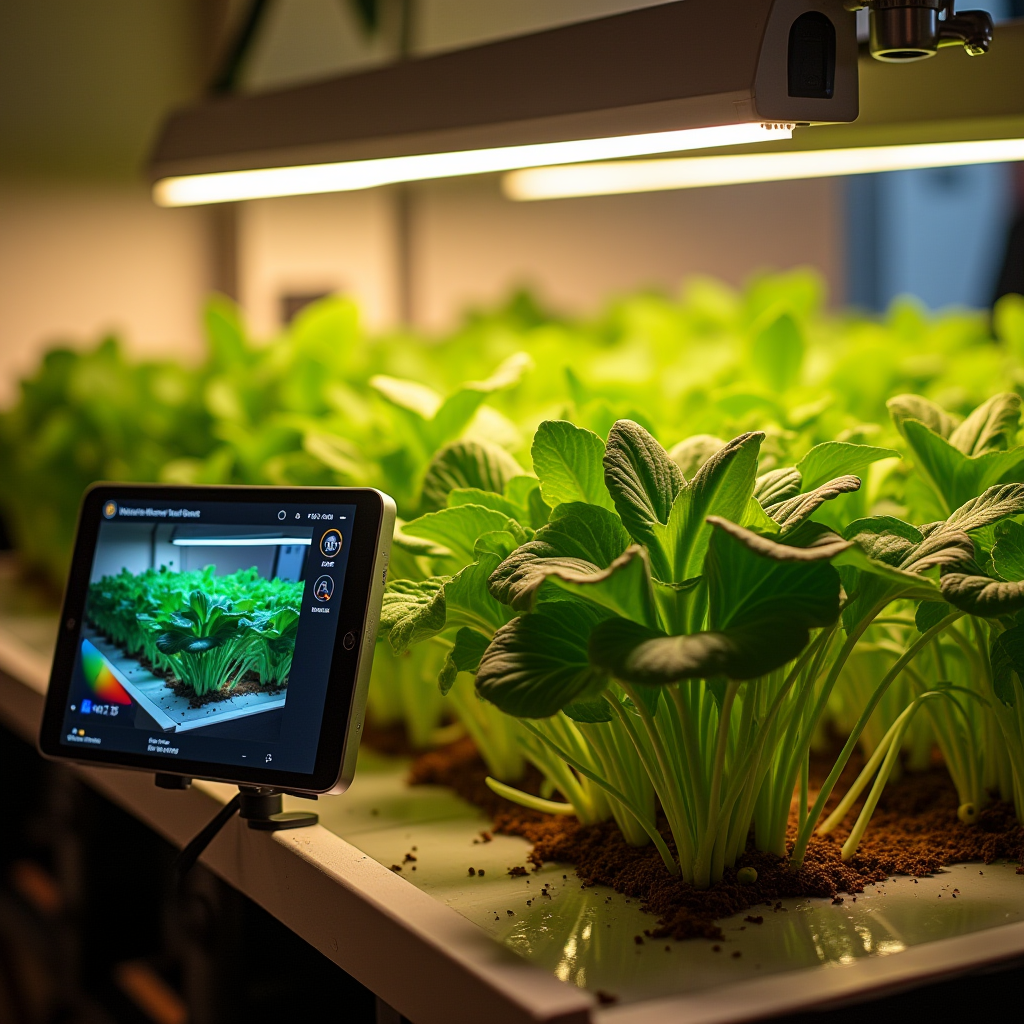
- Mounting: Fix your phone or a spare phone on a simple mount above your NFT channel, DWC bucket lid, or Kratky jar array. Consistent height is critical.
- Framing: Capture the same area every time: the whole raft, the full channel section, or the entire tower segment. Avoid including windows or variable light sources in frame.
- Background: Put down a matte, dark background where possible (black plastic or board) to make leaves easier to segment later.
If you have multiple systems (for example, one DWC bench and one NFT ladder), set up a station for each and label them clearly in your photo logs.
Step 2 - Control lighting like it is a nutrient
Your RGB data is only as good as your lighting consistency.
- Use only your grow lights for monitoring images. Turn off any bright ambient light if possible.
- Always shoot at the same time in the light cycle, for example, 2 hours after lights-on when LEDs have stabilized and plants have perked up.
- Avoid dimming changes between days. If you adjust dimmers for the grow, note the change and treat that as a new “phase” in your image data.
If you run a photoperiod: pick one time and stick to it. If you run 24/7 lighting in a seedling rack, choose a time when the room temperature and supply voltage are stable.
Step 3 - Add a simple color reference in every shot
To correct small changes in lighting and camera behavior, include a known reference in each frame. You do not need a lab-grade card.
- Minimum viable setup: one matte neutral grey patch (around 18% grey) and one white patch (copy paper works in a pinch, though a printed grey card is better).
- Placement: Fix the card in the same position within the frame so it is always captured under the same light as the plants.
- Do not move it. Tape or clip it in place on the channel edge, bucket lid, or tower support.
Later, you will use the grey/white patch to adjust exposure and white balance in software so that your leaf color values are comparable between days.
Step 4 - Configure your phone camera like a fixed sensor
Auto-everything ruins repeatability. Turn as much automation off as your camera app allows.
- Use a camera app that lets you set manual exposure and white balance. Lock ISO, shutter speed, and color temperature.
- Disable HDR, filters, and AI enhancements. You want raw-looking images, not “pretty” ones.
- Keep resolution the same across all sessions.
Write these settings down and do not change them unless you also mark that point in your grow log.
Step 5 - Shoot a consistent time series
Frequency depends on crop speed:
- Lettuce in NFT or DWC: daily or every 2 days from day 7 after transplant onward.
- Basil and leafy herbs: every 2-3 days.
- Fruit crops (tomato, pepper) in DWC: 2-3 times per week is enough for leaf-color and area tracking.
Stand under the same position (if handheld) or trigger the same mounted phone. Capture 1-3 images per zone and keep the best, most stable one for analysis.
Step 6 - Extract simple RGB indices and leaf area
You do not need custom code to get started, but any extra tooling helps.
- Basic route: Import the image into a simple photo tool that shows pixel values (even many free tools do this). Sample several leaf patches (avoid shiny spots) and note average R, G, and B.
- Better route: Use a basic image-analysis tool or spreadsheet plugin that can calculate averages over a selected area and count leaf pixels based on color thresholds.
For growers willing to tinker, simple scripts in Python, ImageJ, or similar tools can automate this, but the principles are the same:
- Use the grey/white card to normalize brightness and color
- Isolate leaf regions and compute average G and the R/G ratio
- Count leaf pixels and convert to leaf area using a known scale (for example, 1 pixel = 0.01 cm²)
Now you have numbers, not gut feelings.

4. Pro Tips & Benchmarks: Turning RGB into better hydroponic decisions
Using RGB trends to catch nutrient deficiencies early
RGB alone does not diagnose the exact ion, but it narrows the problem fast when combined with your EC, pH, and recipe.
- Slow, uniform loss of green (G drop, R/G rising) across all leaves: Think general N or Mg shortage, chronic low EC, or root-zone oxygen issues in DWC/NFT. Check EC, reservoir temperature, and root health first.
- New growth paler while older leaves stay darker: Often iron or micronutrient limitations or pH lockout. Check that your pH is not drifting high (for example, >6.5 in many leafy recipes) and that you have not cut micros too hard.
- Patchy, interveinal paleness (veins stay green longer): Classic pattern for Mg issues or other mobile nutrient shortages, often alongside EC that is too low for the growth stage.
Once you see a trend in the RGB data, pair it with your logs:
- Compare to your last nutrient change, pH correction, or reservoir swap
- Check for system differences (for example, NFT channel at far end losing flow, leading to stress and color change)
Tipburn risk detection from margin brightness
Tipburn in lettuce is a calcium supply issue inside the leaf, often driven by high VPD, poor air movement, or overly aggressive EC and light. Visual margins usually “glow” lighter just before they fry.
- Define a small region of interest around leaf edges and track average brightness over time.
- If margin brightness accelerates while central leaf color stays about the same, flag that as a tipburn warning.
- Respond by increasing air movement across the canopy, slightly reducing EC or light intensity, and making sure the NFT or DWC flow is not restricted.
This kind of early imaging is similar to how controlled-environment research setups detect stress before visible damage, as seen across imaging-based plant physiology work in sources like this collection, but boiled down to something you can run in a home or small commercial farm.
Leaf area growth benchmarks
Once you convert leaf pixels to cm², you can quantify growth:
- Seedlings in Kratky jars or NFT channels: expect slow area expansion for a few days post-transplant, then a clear ramp-up phase. If the slope never increases, something is holding them back.
- Healthy lettuce in NFT: after establishment, total leaf area should expand roughly exponentially for 7-10 days before flattening near harvest. A clear flattening too soon often correlates with inadequate nutrients, poor oxygenation, or suboptimal temperature.
- Herbs in DWC: area should increase steadily as long as you keep topping. If growth plateaus while EC is still good and roots are healthy, you may be light-limited.
Leaf area data lets you compare systems:
- Different recipes (for example, 1.4 vs 1.8 mS/cm for lettuce)
- Different system types (NFT vs DWC) for the same cultivar
- Different lighting setups or heights
Integrating RGB monitoring into your pH/EC routine
The fastest way to get real value is to make imaging part of your existing checks:
- Every time you record pH and EC, capture an image from the station.
- Log average G, R/G ratio, and leaf area alongside pH, EC, temperature, and any nutrient changes.
- Within 1-2 cycles, you will see pattern matches: certain EC bands correlate with better green intensity and faster area expansion for each crop.
Over time, this becomes your house standard. New staff can follow it. New cultivars can be benchmarked against it. And when things deviate, you have both visual proof and numeric evidence.
Bringing it all together
CES 2026 is full of imaging experiments and advanced sensors, but you do not need to wait for new hardware. Your current smartphone and lights are enough to run a low-cost machine-vision workflow:
- Fixed camera position, fixed lighting, and a simple grey/white reference
- Manual camera settings to turn your phone into a repeatable sensor
- Regular image capture aligned with your nutrient, pH, and EC checks
- Basic RGB indices and leaf area metrics that track chlorosis, growth, and tipburn risk
The point is not to play scientist. The point is to stop guessing. Once you can see trends numerically, you make cleaner nutrient decisions, catch stress earlier, and document what actually works in your own hydroponic space, whether that is a four-jar Kratky shelf or a full indoor NFT line.
As an Amazon Associate, I earn from qualifying purchases.